以下に示すように、アクションバー内のメニューから設定を開く場合:
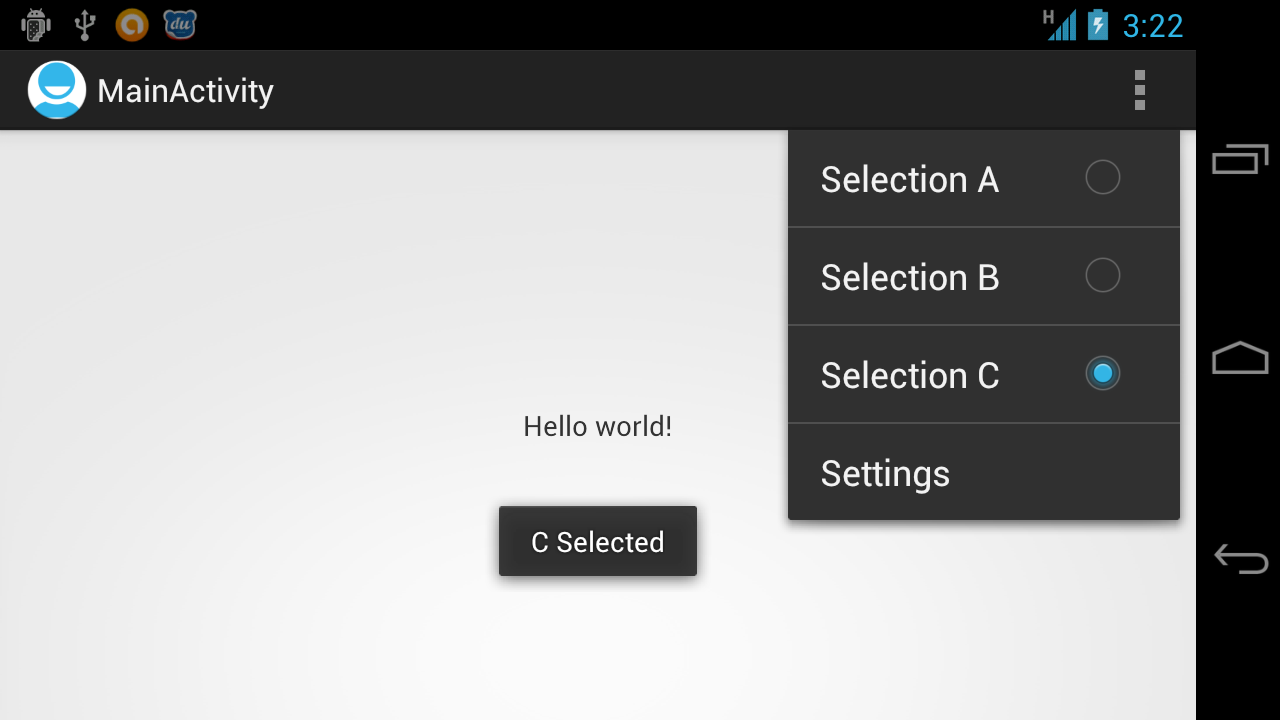
まず、そのアクティビティの menu.xml ファイル内でメニュー項目を定義する必要があります。
<menu xmlns:android="http://schemas.android.com/apk/res/android"
        xmlns:tools="http://schemas.android.com/tools" tools:context=".MainActivity">
        <item android:id="@+id/action_settings" android:title="@string/action_settings"
            android:orderInCategory="100" android:showAsAction="never" />
</menu>
次に、メニューを拡張する必要があります。次に、メニュー項目のクリックのイベントを、以下に示すメソッドを使用して処理できます。
@Override
    public boolean onCreateOptionsMenu(Menu menu) {
        // Inflate the menu; this adds items to the action bar if it is present.
        getMenuInflater().inflate(R.menu.menu_main, menu);
        return true;
    }

    @Override
    public boolean onOptionsItemSelected(MenuItem item) {
        // Handle action bar item clicks here. The action bar will
        // automatically handle clicks on the Home/Up button, so long
        // as you specify a parent activity in AndroidManifest.xml.
        int id = item.getItemId();

        //noinspection SimplifiableIfStatement
        if (id == R.id.action_settings) {

            // write code to handle the click for the settings menu item!

            return true;
        }

        return super.onOptionsItemSelected(item);
    }